
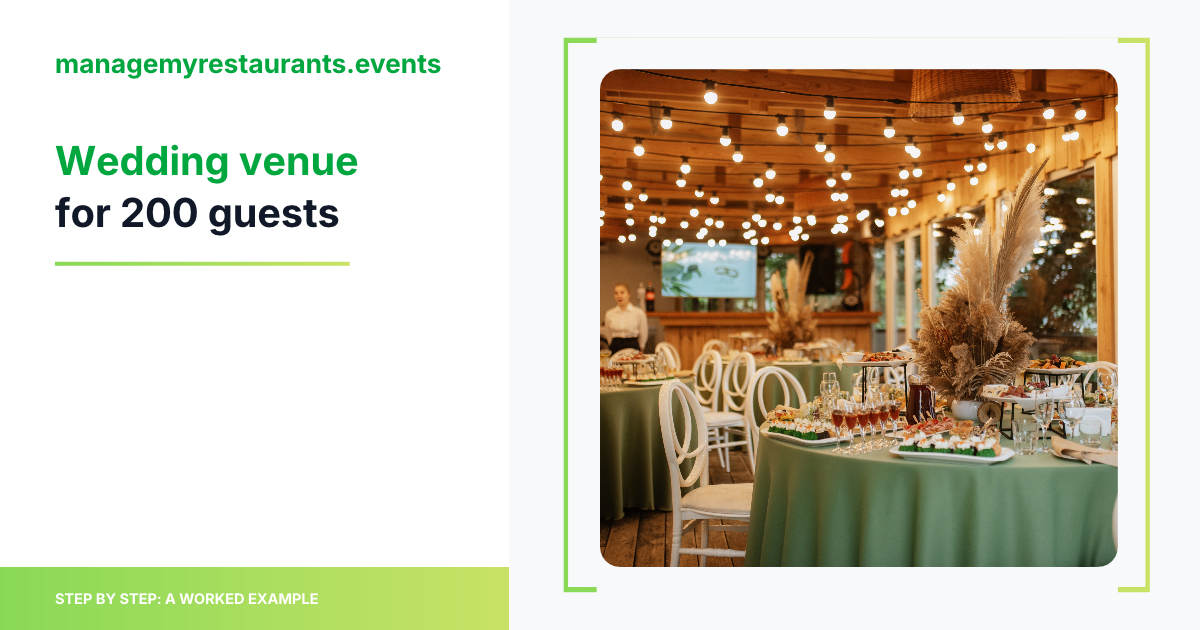
Short answer: A wedding venue can run a wedding for 200 guests from one event in Manage My Restaurants Events, from the couple's first email to the wrap-up after the last dance.
Planning. The venue saves the couple as a client and creates the wedding with an expected guest count of 200. The wedding menu, with its entrée choices, diets and a kids' plate, gives you an estimated plate cost and a shopping list for the kitchen.
Running the day. The timeline holds the ceremony, the reception and the rain plan. Tasks on a board cover the setup of about 20 rounds, shifts put a larger wedding team on the plan, and the couple can follow the timeline through a share link.
Paperwork. The couple's confirmation and the kitchen sheet come from your own document templates, filled in with the event and client details, in a guest layout and a kitchen layout, ready to download or print as PDF.
Below is one example wedding for 200 guests, seen from the venue's side, not the couple's. For a different event type, see the 120-guest hotel banquet.
Example wedding (made up for illustration): a Saturday wedding for 200 guests at a countryside wedding venue with its own kitchen. Ceremony on the lawn at 15:30, with the dining room as the rain plan. Cocktail hour, then a plated dinner where guests chose beef or salmon when they replied to the invitation. Toasts, first dance, cake, last dance at 23:00. A brunch for 60 family members the next morning. All amounts are example figures, before tax.
Step 1: The couple becomes a client, the wedding an event
Eleven months out, the couple emails the venue: "About 200 guests, ceremony outside if the weather holds, plated dinner, dancing until 11."
The venue's event manager, who has a Manager account, does three things:
Saves the client. The couple goes in as the client, with one of them as the main contact. If the family comes back for an anniversary dinner, you start from this client record, which shows their past events.
Creates the wedding on that client, with the date, the lawn and dining room, and an expected guest count of 200. The final count goes into its own field later, so the number from the first email never gets mixed up with the confirmed one.
Creates the brunch as a second event on the same client, with its own guest count of 60. It has its own menu and timeline, so it never gets lost inside the wedding.
Step 2: The wedding menu, entrée choices and plate cost
After the tasting, the chef builds the event menu: a burrata starter, a choice of short rib or salmon, a vegetarian main, a kids' plate and the dessert served with the cake. Each dish carries an estimated plate cost that the chef enters. The full adult menu comes out at about $42 per guest and the kids' plate at $15. That puts the proposed $150 per adult guest in context before the quote goes out. For the method, see how to cost an event menu.
Two things go in a note on the event (not on a dish): meals for the photographer, the DJ and the band, served at 18:45 in the back room, and a guest at table 12 with a tree-nut allergy, by name. The chef and the captain both read that note.
From the menu, the app generates a shopping list for the wedding. The list doesn't update by itself when the guest count changes: you refresh it manually. That matters in Step 6.
Step 3: The wedding timeline, rain plan included
The event manager builds the timeline backwards from the 23:00 last dance. With 200 guests the rain plan is harder: if the ceremony moves into the dining room, resetting about 20 rounds for dinner during cocktail hour needs a clear task list and enough hands. Course windows also stretch: clearing and plating for 200 takes longer than for a smaller wedding, so the gaps between courses are wider.
Time | Step |
|---|---|
11:30 | Weather call: lawn or dining room for the ceremony |
13:30 | Florist and DJ set up |
14:30 | Ceremony chairs set, bar ready; dining room tables started |
15:30 | Ceremony (25 min) |
16:00 | Cocktail hour, passed canapés. Dining room final check |
17:00 | Guests seated, couple's entrance |
17:15 | Toasts |
17:30 | Starter (service wave about 15–20 min with ten servers) |
18:30 | Mains: short rib, salmon and vegetarian, by the confirmed split |
18:45 | Supplier meals in the back room |
19:30 | First dance, dancing opens |
20:15 | Cake cutting, dessert and coffee |
22:30 | Late-night snack |
23:00 | Last dance, send-off |
23:30 | Guests out, strike begins |
01:00 | Venue cleared, kitchen closed |
For more layouts, including a full wedding day, see event-day timeline examples.
You generate a share link to the event timeline and send it to the couple, so they can see the times without asking by email. They can forward the same link to their planner or DJ.
Step 4: Tasks and shifts for the wedding team
The event manager adds tasks to the event and sees them on the calendar and Kanban boards:
"Weather call at 11:30, confirm lawn or dining room" for the event manager,
"Dining room: 20 rounds of 10 set by 16:30" for the captain,
"Cake received and in the walk-in by 14:00" for the kitchen.
Then the shifts. For this example the floor team is one captain, ten servers, three bussers and four bartenders, plus six cooks and three dishwashers in the kitchen. Ten servers on 200 guests is 1 server per 20 guests, the same house ratio as the how many servers for 100 guests guide (1 per 20–25 for standard plated service; 100 guests → five servers, 150 → seven, so 200 → ten). Four bartenders sit at about 1 per 50 guests. Three bussers keep the servers on their sections during the longer main-course clear. For the published ranges behind those numbers, see server-to-guest ratios for events.
The office roles, Owner and Manager, go to the people who plan: the event manager and the chef. Servers, bussers and bartenders are Staff. Staff can't create events. They get to this wedding from their shift or from a task on the board.
Step 5: The couple's confirmation and the kitchen sheet
The venue wrote two document templates once:
a confirmation in the guest layout, for the couple,
a kitchen sheet in the kitchen layout, for the chef and the pass.
Both are filled in with the event and client details: the couple's names, the date, the spaces and the guest count. The confirmation carries the menu, the timings, the price per guest and the final-count terms. The kitchen sheet carries the courses, the entrée split, the diets and the timings. Both can be downloaded or printed as PDF. To see a filled wedding event sheet, see BEO examples.
Step 6: The final guest count and the entrée split
The confirmation says the final count is due ten days before the wedding, and that number is the guarantee. If that term is new to your team, see what a guest-count guarantee is.
The couple confirms 192 guests: 108 short rib, 60 salmon, 12 vegetarian and 12 kids. The Manager enters 192 as the final guest count, updates the menu for the final split and refreshes the shopping list manually, because it doesn't change by itself when the count does. The kitchen sheet is filled in again, so the pass plates from the right numbers — and with almost 200 plates per course, the split on that sheet is what keeps the pass from guessing.
Step 7: Wedding day, run from the timeline
The weather holds. At 11:30 the event manager marks the weather task as done on the board: the ceremony stays on the lawn.
At 16:40 the photographer asks for twenty more minutes of photos. The event manager moves the couple's entrance to 17:20 and the starter to 17:50 in the timeline, and the captain tells the pass. Cocktail hour runs a little longer. With ten servers and three bussers already on the floor, the longer clear before mains still fits the plan on the event.
Step 8: Wedding wrap-up after the last dance
The wrap-up is three steps:
Final summary from your template. It shows the guaranteed count and the agreed prices. Example: 180 adults × $150 + 12 kids × $60 = $27,720 before tax.
Check the food side. At about $42 an adult plate and $15 a kids' plate, the food comes to about $7,740, so you can see what the wedding took against what it brought in.
Charge the client in your own accounting system, using the same details and amounts as the summary.
Manage My Restaurants Events isn't accounting or POS software. It gives you the numbers and the summary to work from.
The brunch the next morning runs from its own event. Both events now sit on the couple's client record.
FAQ
How many waiters do you need for a wedding for 200 guests?
For a standard plated wedding, a common starting point is 1 floor server per 20–25 guests, so about 8–10 servers for 200 people, with the captain, bar and clearing counted separately. This example uses ten servers (1 per 20), three bussers and four bartenders. Premium or synchronised service sits closer to 1 per 15–20. See how many servers for 100 guests and server-to-guest ratios for events.
Is there a BEO generator?
No. You build a BEO-style event sheet from your own document templates and the event timeline, filled in from the same event.
Can the couple see the plan?
Yes, the timeline. The couple gets a share link to the event timeline, and you can download or print the confirmation as PDF and send it to them.
Run your next wedding from one event
Client, guest counts, menu and plate cost, timeline, tasks, shifts and documents, all on the same event. More on Manage My Restaurants Events for event venues. See plans: 14-day free trial, card required.